🌈 ESP32-S3 Rainbow: ZX Spectrum Emulator Board! Get it on Crowd Supply →
View All Posts
read
Want to keep up to date with the latest posts and videos? Subscribe to the newsletter
HELP SUPPORT MY WORK: If you're feeling flush then please stop by Patreon Or you can make a one off donation via ko-fi

My eyes! The output style does nothing!

Here’s a response Claude came up with recently. I was asking it to review some of the code it had been writing for my “Open Vibe Code” Elite clone - you can play it here in your browser, it’s surprisingly good.

“Twenty-seven echoes; most are two halves of a seam stated from each side, which is correct. Four are true duplicates. Checking two of them:”

There’s a lot of this kind of output coming out of Claude. The internet is full of people complaining. Sometimes reading what Claude says is very much like being stuck at the bar with the world’s most boring know-it-all. Lots of clever phrases and convoluted sentences - but ultimately vacuous and empty.
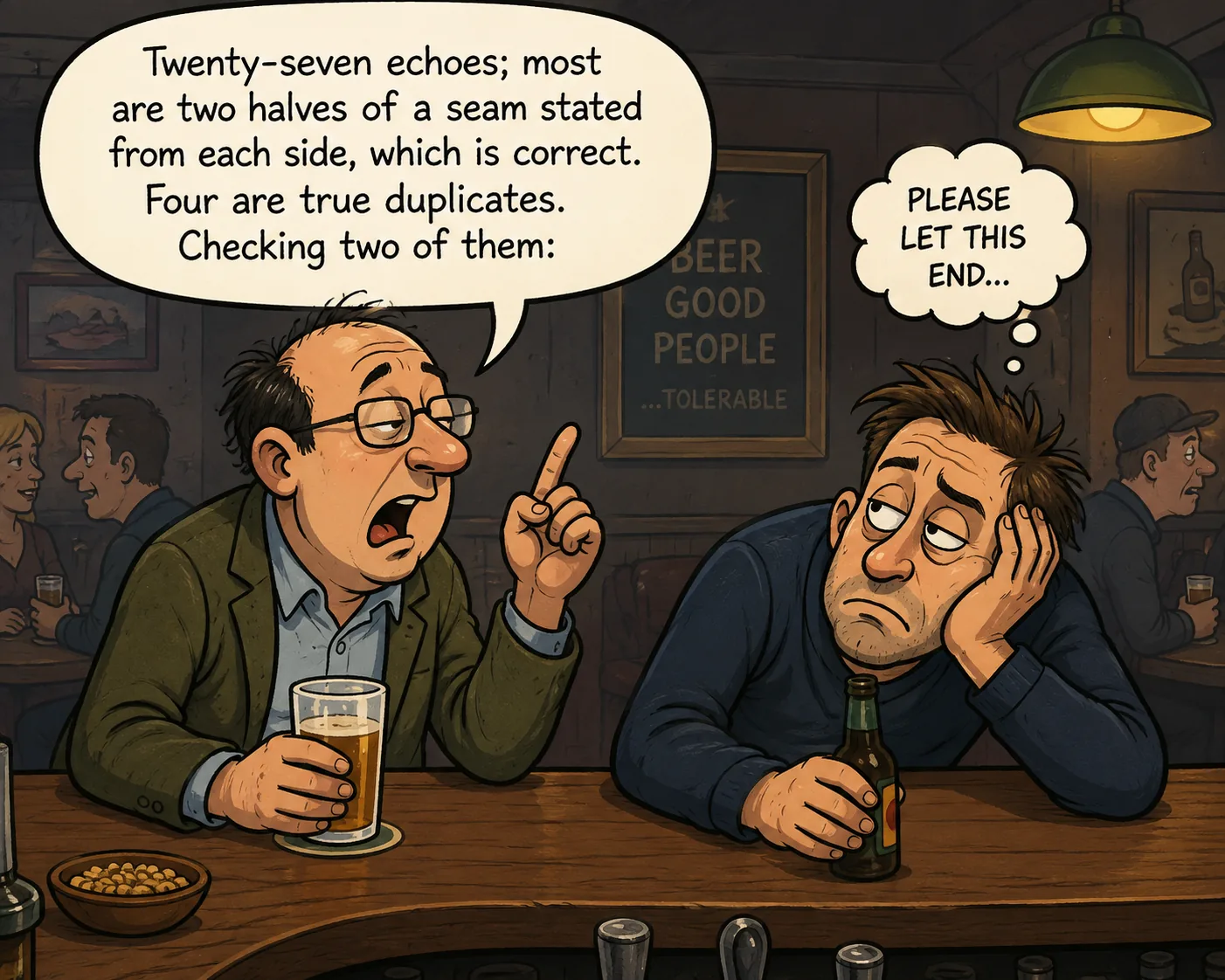
Being cornered in the pub by someone describing their seams

What’s really interesting, though, is that the code and docs it generates are pretty good (at least the tests are green, the game plays well etc…). It’s just the communication with me that’s the problem.

A popular recommended remedy for this is to change the output style:

The output style picker in Claude Code, with ASD-STE100 added as a custom style

Some people suggest using ASD-STE100 - Simplified Technical English. The theory is that this should force Claude into communicating with you in a sensible way.

There’s a bit of controversy over whether you change the output style or you just add it to CLAUDE.md, but whichever you choose, the result is supposed to be substantially better.

Does it work?

At first, absolutely. It feels better - easier to read, shorter sentences, fewer random, weird analogies.

But I think that feeling of it being better is an illusion. You think it’s better because it’s different. It’s just a relief to your brain not having to parse Claude’s madness. But after a while you get used to the change and slowly start to realise that the prose is just as vacuous and empty as before.

And the real kicker… the quote at the top of the page was produced after I’d changed the output style and added it to my CLAUDE.md…

The big question is: Does it matter? And I suspect, probably not.

I’m starting to think of Claude’s ramblings in the same way as the “Thinking…” content - it’s not necessarily meant for me to read. The actual output that matters is the working code. And to get quality there you need programmatic constraints and constant adversarial review.

It’s time to make peace with Claude’s nonsense. Stop reading the prose and judge things purely by the produced artefacts - once you do that, the quality of the commentary stops mattering.
It's not Shakespeare, but it's a pretty decent sonnet about bananas

So judge the artefact rather than the commentary. This is what all that vacuous prose actually built:
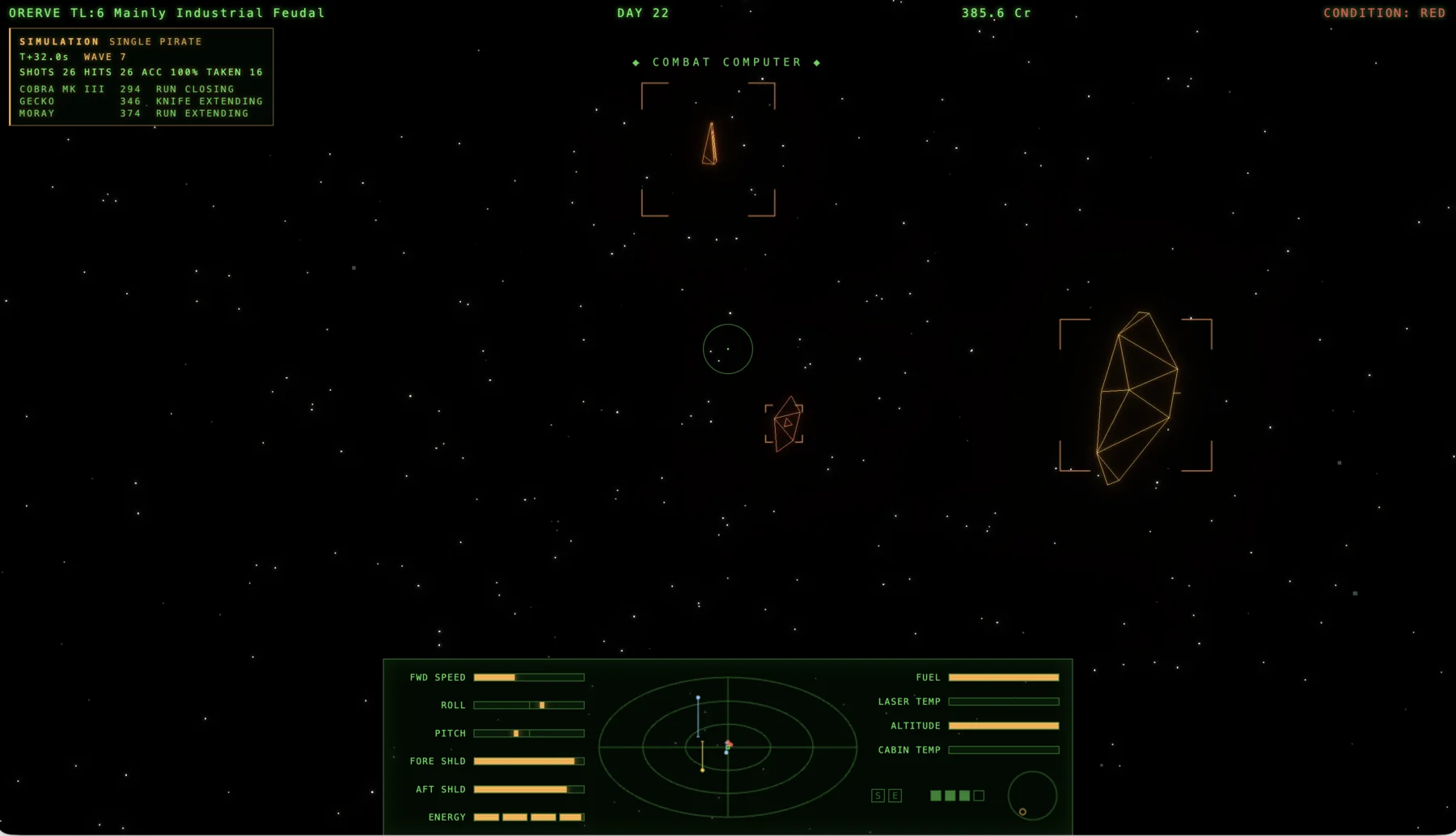
Three pirates at Orerve, condition red - the combat computer earning its keep

Harmless is playable in your browser - no install, nothing to sign up to, just open it and fly - and the source is on GitHub if you want to see how it’s put together. Let me know how you get on in the comments.

Related Posts

Don't blame Claude - It's me, I'm the problem, it's me... - I blew a gasket at Claude for ignoring ASD-STE100 and hiding behind our so‑called “house convention,” then realized the culprit is me: 700+ commits of pre-switch docs and TODOs that teach the opposite. Turning this tanker will be slow, so I’ll keep leaning on the tiller and help Claude while we keep shipping the vibe-coded Elite clone.
A Public GitHub Repo != A Support Contract - As a developer frequently publishing code snippets on GitHub, I'm finding an increasing amount of my time being demanded for support and fixes. The reality is, I don't always have the time or resources to provide the help that each user deserves. 'Cloners beware' has become my motto as I try to remind others that using a public GitHub repo does not come with guarantees or warranties. Please remember, I'm a human with my own responsibilities and projects too.
Tanks! Mayhem is back: 16 years later, in your browser - I dusted off my 2010 wireframe tank shooter, Tanks! Mayhem—pulled from the US App Store after an Atari complaint—and asked Claude Code to bring it back on the web. About half an hour later I had a faithful browser port: original models and sounds, Box2D physics via planck.js, and my neon line glow rebuilt with quad-expanded edges. A forgotten procedural radar shader finally shipped, multiplayer and the hated attack chopper stayed out, the code’s on GitHub, and it’s free to play at tanks.atomic14.com.
Invaders! is back: rescued from a forgotten Bitbucket account - I dug up my other 2009 iPhone game, Invaders!, after thinking the source was lost—turns out it was hiding in a forgotten Bitbucket git repo (thankfully not Mercurial). Claude Code helped port it to plain JavaScript and canvas while keeping the original OpenGL coordinate logic intact, so it plays exactly like the 2009 version—nixie tubes, bubble shields, UFOs and all. I fixed a 17-year-old power-up bug and worked around a bitmap font that can’t do a dash; you can play it now and browse the code on GitHub.
Detecting Claude and ChatGPT using letter counting. - I taught my meatbag detector a second robot: ChatGPT. Same four-letter n-gram trick, new model—turns out ChatGPT is a tad easier to spot than Claude, especially on short text. I also trained a general "was this a robot?" classifier and checked cross-reading between models. Usual caveats apply: it only knows two bots, it detects style not provenance, and it’s for fun, not finger-pointing. Try it and see which robot you are.

Related Videos

Surprisingly not CR*P - Vibing hardware - Well folks, what an adventure! After vibe coding our vibing button, I took up the challenge to vibe code the actual hardware for an ESP32 S3 dev board. Used a tool called at pile and gave it a whirl with some AI help from Claude. Interestingly, it handled everything from sourcing components with LCSC part numbers to wiring them up. Had a wee hiccup with missing capacitor in the RC circuit, but overall it was a thrilling ride watching the AI process! A bit of tweaking here and there, and we're good to go! Can't wait to see it in action.
Forget the Arduino Serial Plotter - try this instead! - Hey everyone! So, you're probably familiar with the Arduino serial plotter, right? It's useful for basic stuff, but I wanted something better, more cross-platform, and runs right in the browser. Enter the web serial plotter, using the web serial API! It's super flexible with zoom, export options, and light/dark mode. You can even pan through history or switch to absolute time. Plus, it's all secure and runs locally. It's open source, and I'd love your contributions or bug reports on GitHub. It's still a work in progress, but I think you'll find it pretty handy!
Even more AliExpress gadgets - Another shamelessly overstuffed mailbag—cheers to PCBWay for fueling the bench carnage. I poked UV sensor cards with a curing lamp (they go purple then fade), sifted through robot gears, and lit some fragile LED filament letters (~2.7 V, happy around 100 mA). A USB photocatalytic mosquito trap spins at 0.02 A (teardown later), an OV7670 cam joins the ESP32/UVC experiments, and a chunky COB strip looks like a 12 V amp-gobbler. Bonus: surprisingly decent keyring torches with ‘police’ flash, a hilarious translation on a temp/humidity doodad, and watch oiler wands that are perfect for painting on solder resist—projects incoming.
ESP-IDF 6 Setup in VS Code: Blink & Debug an ESP32-S3 - Time to get with the program and jump to ESP-IDF v6.0.1 in VS Code. I show you how to install the prerequisites (I’m on a Mac with Homebrew), run the ESP-IDF Installation Manager, spin up a Blink example for an ESP32-S3, tweak menuconfig (GPIO21, 500 ms), then build and flash—switching from stubborn USB JTAG to trusty UART when things fail. We check the monitor, bump CPU to 240 MHz, fix flash to 16 MB, peek at PSRAM, and give PCBWay a quick shout-out.
Why This ESP32 Reset Button Didn’t Work - Had a slightly annoying issue: one ESP32 dev board’s reset button did nothing while the LED kept happily blinking. Schematic and PCB layout were fine, EN net buzzed out, but there was no continuity across the reset switch. Reflowing didn’t help; under the microscope the joints looked good. The culprit? The tactile switch was gunked up with flux. A soak in IPA brought it back to life—continuity restored, reset works, programming mode good. Moral of the story: sometimes it’s not the design—just clean it. Use more alcohol.
HELP SUPPORT MY WORK: If you're feeling flush then please stop by Patreon Or you can make a one off donation via ko-fi
Want to keep up to date with the latest posts and videos? Subscribe to the newsletter
Blog Logo

Chris Greening


Published

> Image

atomic14

A collection of slightly mad projects, instructive/educational videos, and generally interesting stuff. Building projects around the Arduino and ESP32 platforms - we'll be exploring AI, Computer Vision, Audio, 3D Printing - it may get a bit eclectic...

View All Posts